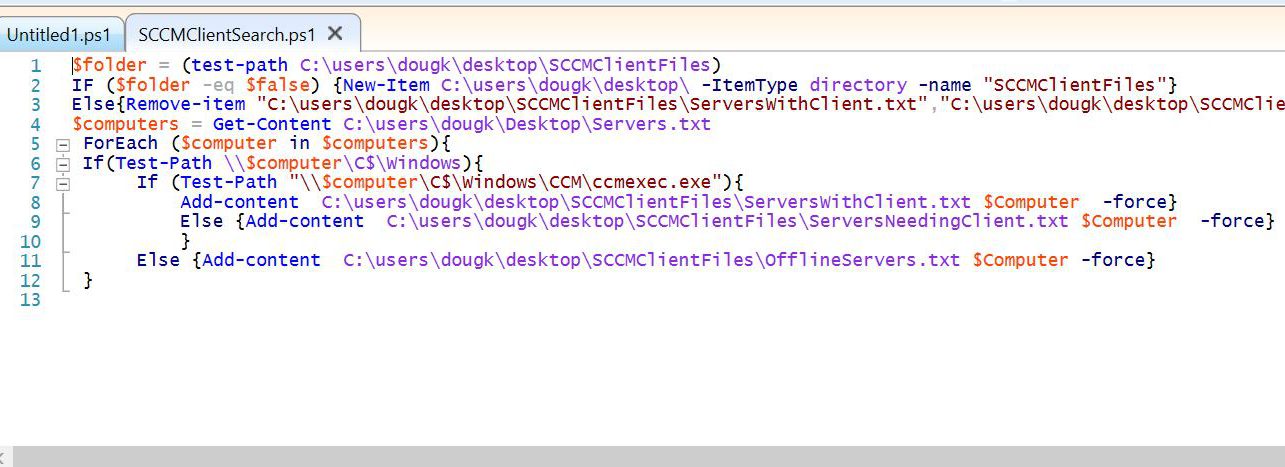
For some time as I started to use PowerShell, I would often use is for minor tasks but would never try to go deeper due to how long it was taking me to write basic scripts. My saving grace was getting to know the basic features of the shell and the ISE.
The first thing is getting to know the help system. Help and Get-help are the two in-shell ways to get help, and both behave slightly differently. The parameters -full for full display of the help files and -examples to see the exact syntax are my favorites. And should you want to see the internet version of your help page, -online will take you there. There are also a ton of information on various related topics in the About_ topics. Just type “help about*” to see a list of the topics.
Next, Learning the features of the shell really sped things up. Tab completion is a life saver. Just type the first couple of letters of what you want and hit the Tab key and it will start cycling though the options of what matching terms fit in the location you are currently typing. Tap the Tab key again for the next option. This can be helpful in both speeding up typing and in seeing what options are available at any given point. This also work in the scripting window of the ISE or Integrated Scripting Environment. Also, using the up arrow on the command line to get the last few commands that were entered is also very helpful.
The last big help to me was the “Get-member” cmdlet. At many points in a command line you can type “|get-member” or “|gm” to get what the properties and methods of manipulation that you have for the current piece of information, or object. This can be very useful in linking your command to the next process you want to accomplish.
I would suggest working with two of the easiest to work with, get-service and get-process. Simply type them, get help for them and then “pipe” (the term for sending objects to the next command via the |) them to get-member to see what you can do and get from them.
Good luck and drop me a line if I can help.

 The Excitable Nerd